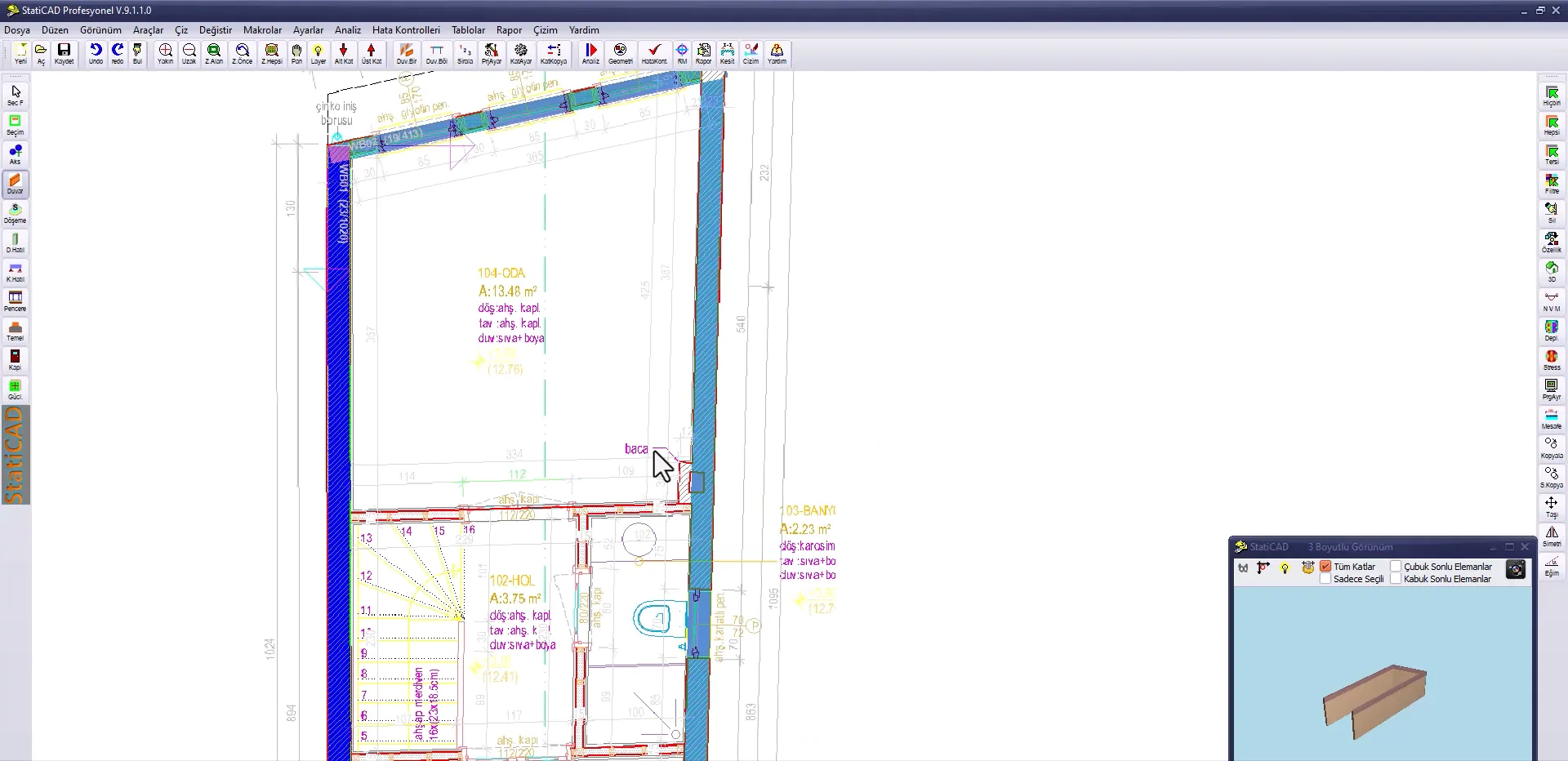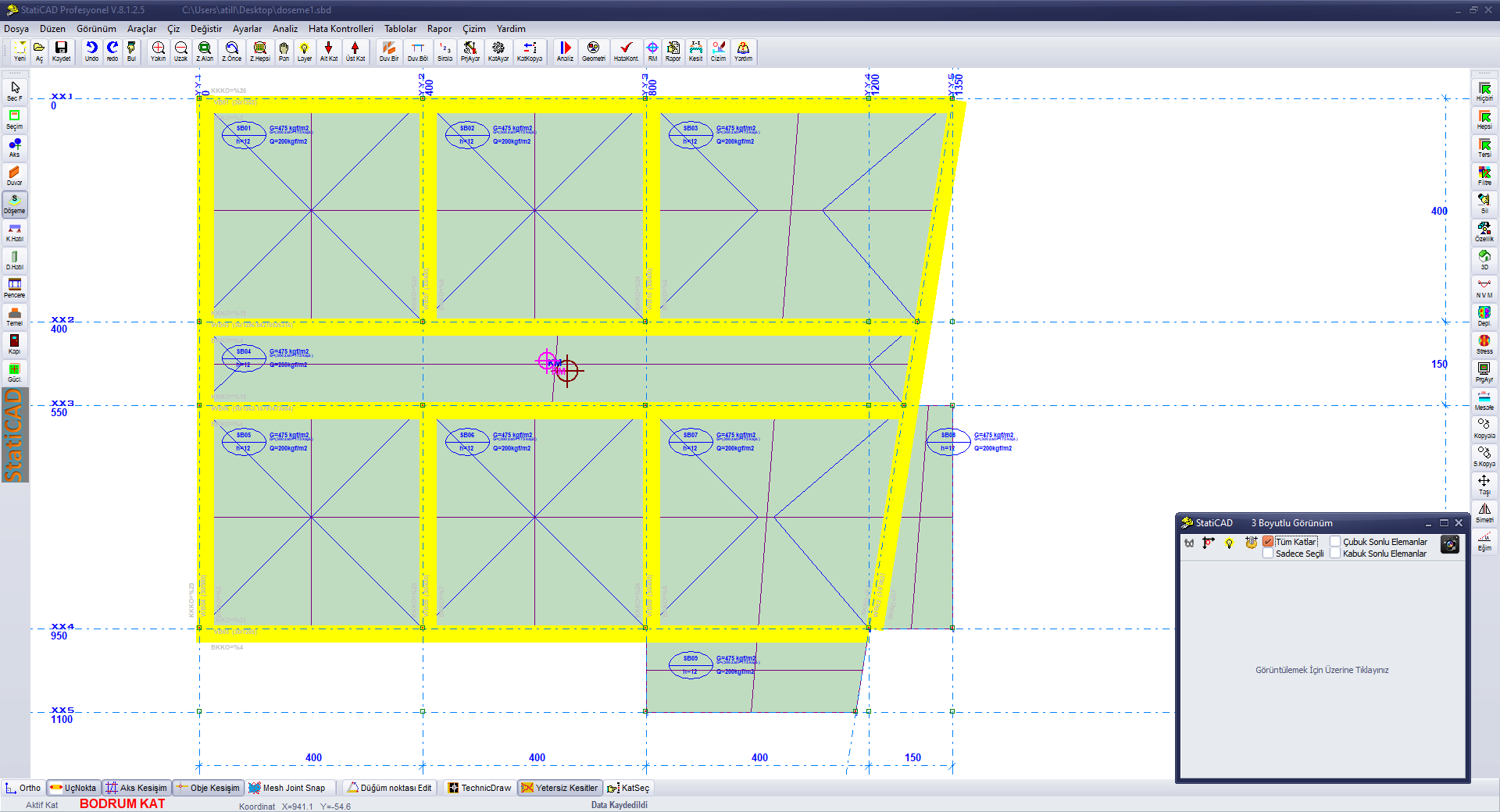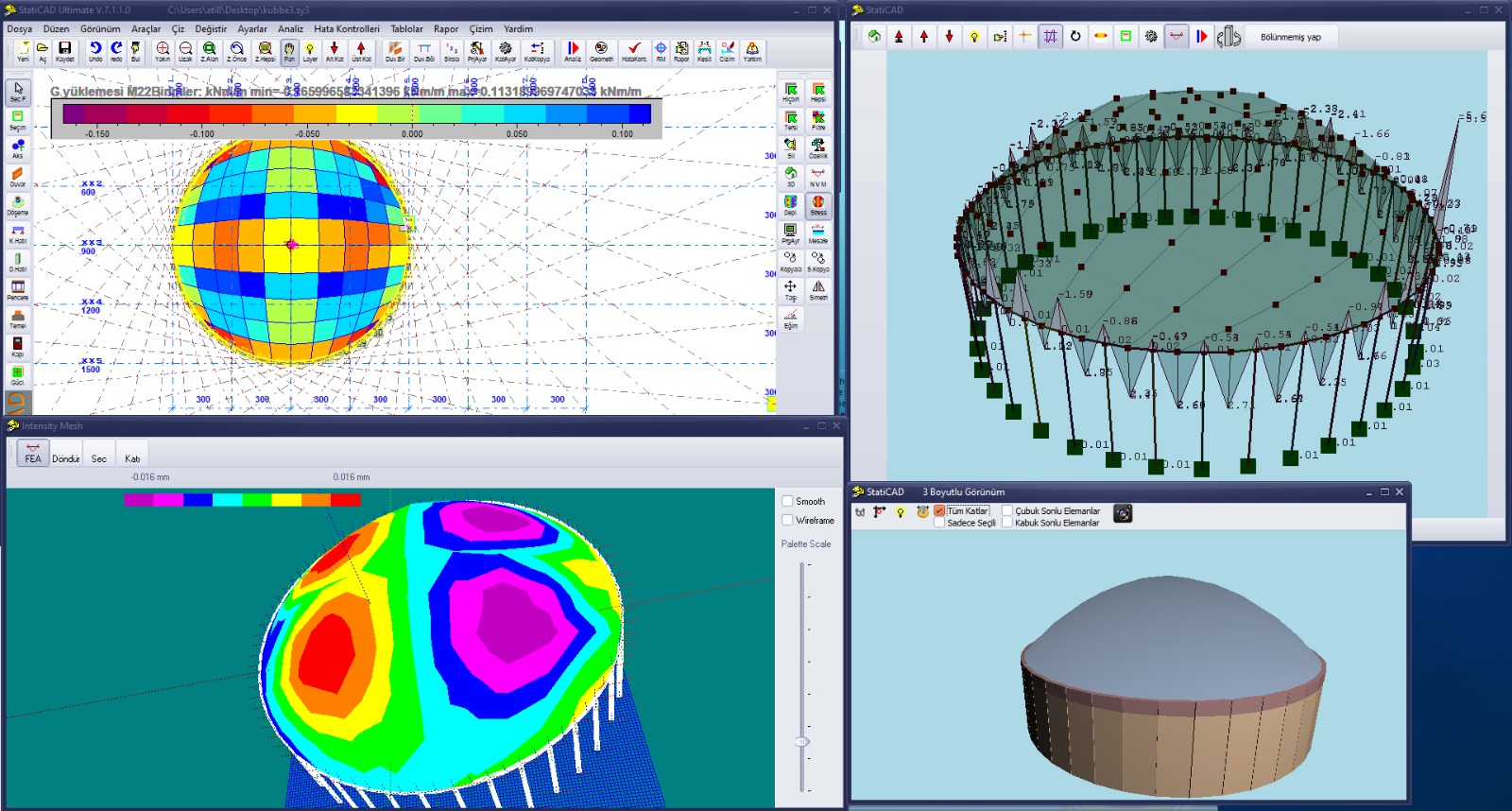

Support Workflow

Start with the videos; when you get stuck, check the knowledge base, then send your project to us for review.

The StatiCAD support page is designed to help you move step by step from learning the software to preparing a project for delivery. You can follow the training videos, check the knowledge base for specific questions, and send the project you want reviewed to destek [at] staticad.com.

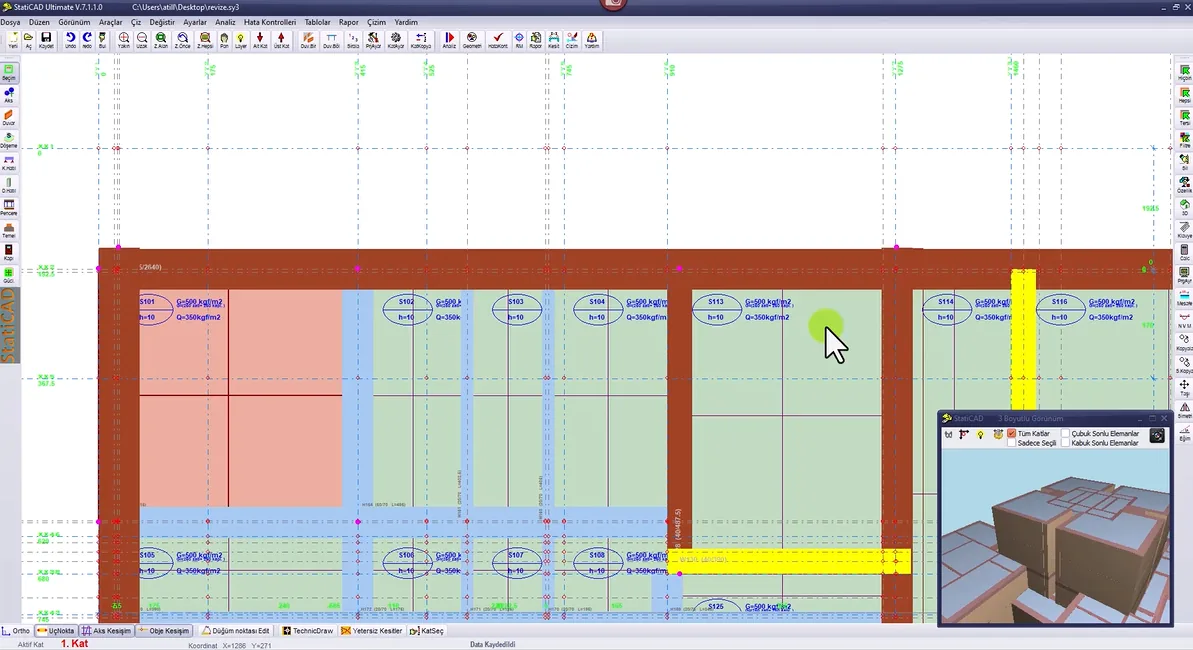
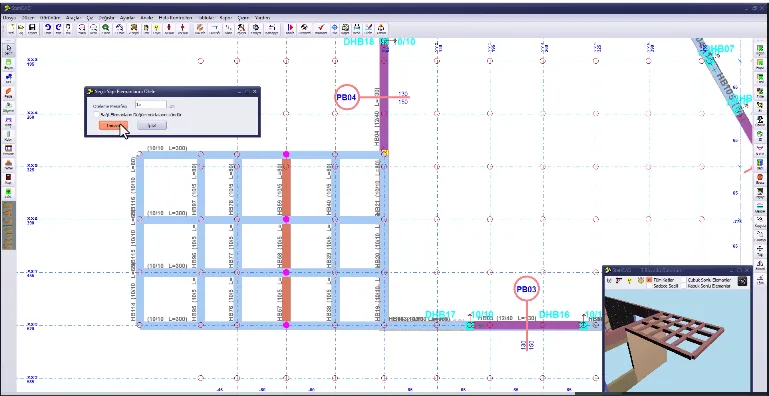
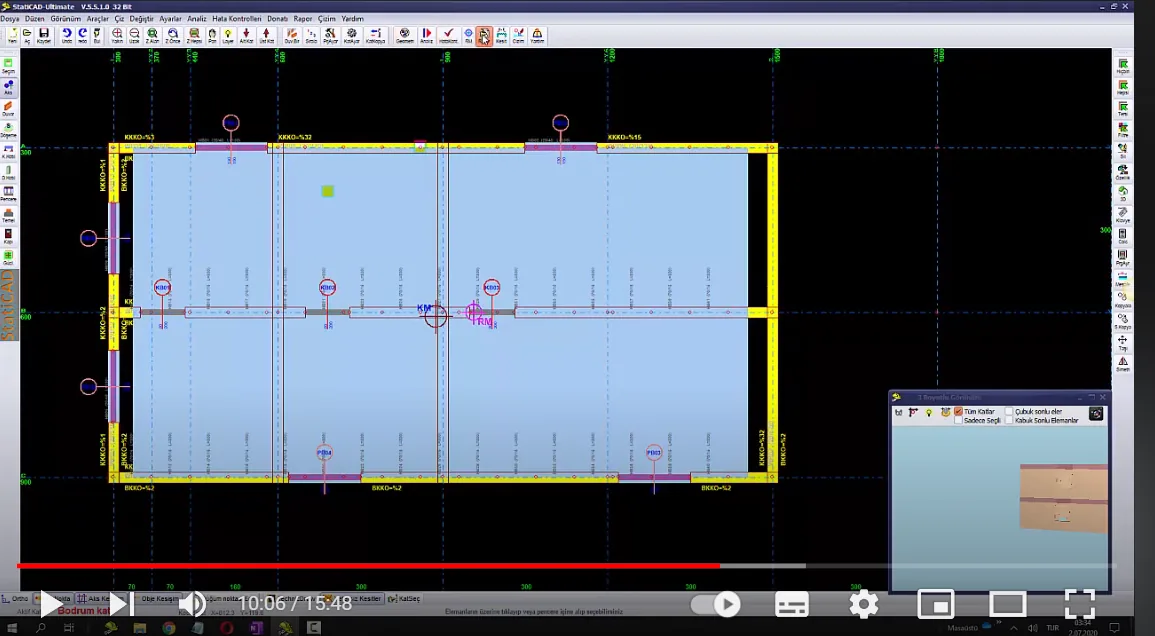
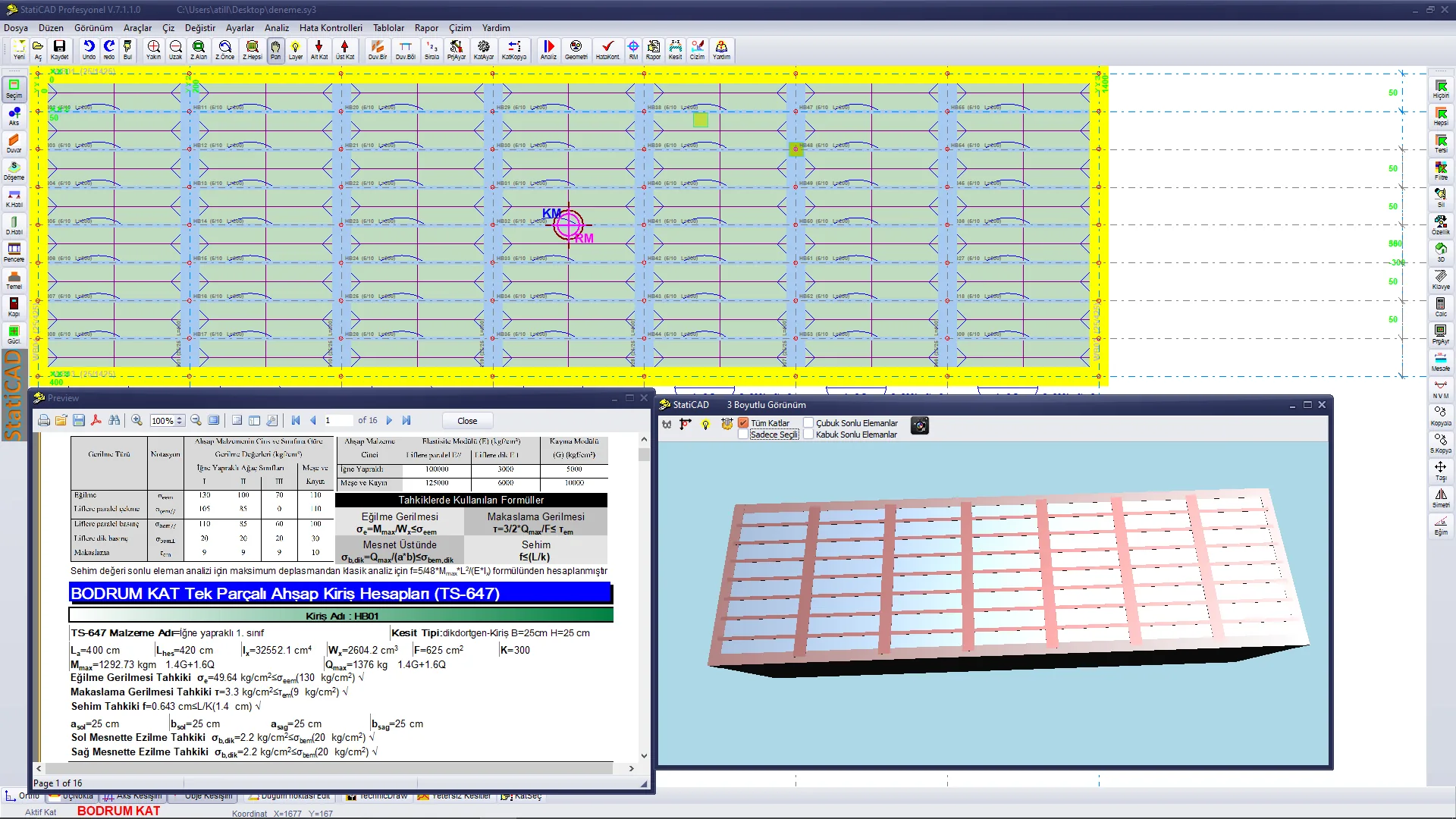
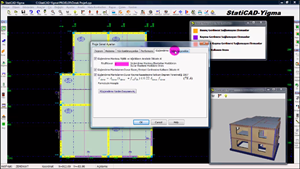
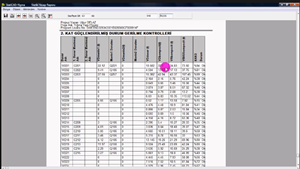
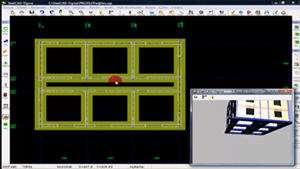
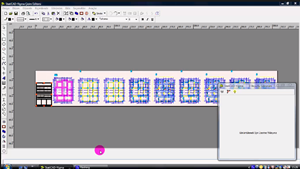
  • Training videos show installation, modeling, editing and reporting steps with practical examples.
  • The knowledge base covers common questions, short explanations and application notes.
  • For projects sent by email for review, project errors are corrected and feedback is usually returned within 24 hours with explanations and modeling recommendations.
Quick Start Videos

Follow installation, modeling and reporting steps through the videos.

When You Get Stuck Knowledge Base

Check common questions and application notes before sending a request.

Management User Panel

Manage licenses, downloads and user operations from the panel.

Review Project Delivery

Send your project to destek [at] staticad.com and receive corrected notes and recommendations.

Training Videos

Watch our training videos to learn StatiCAD step by step.

English Videos 14 videos
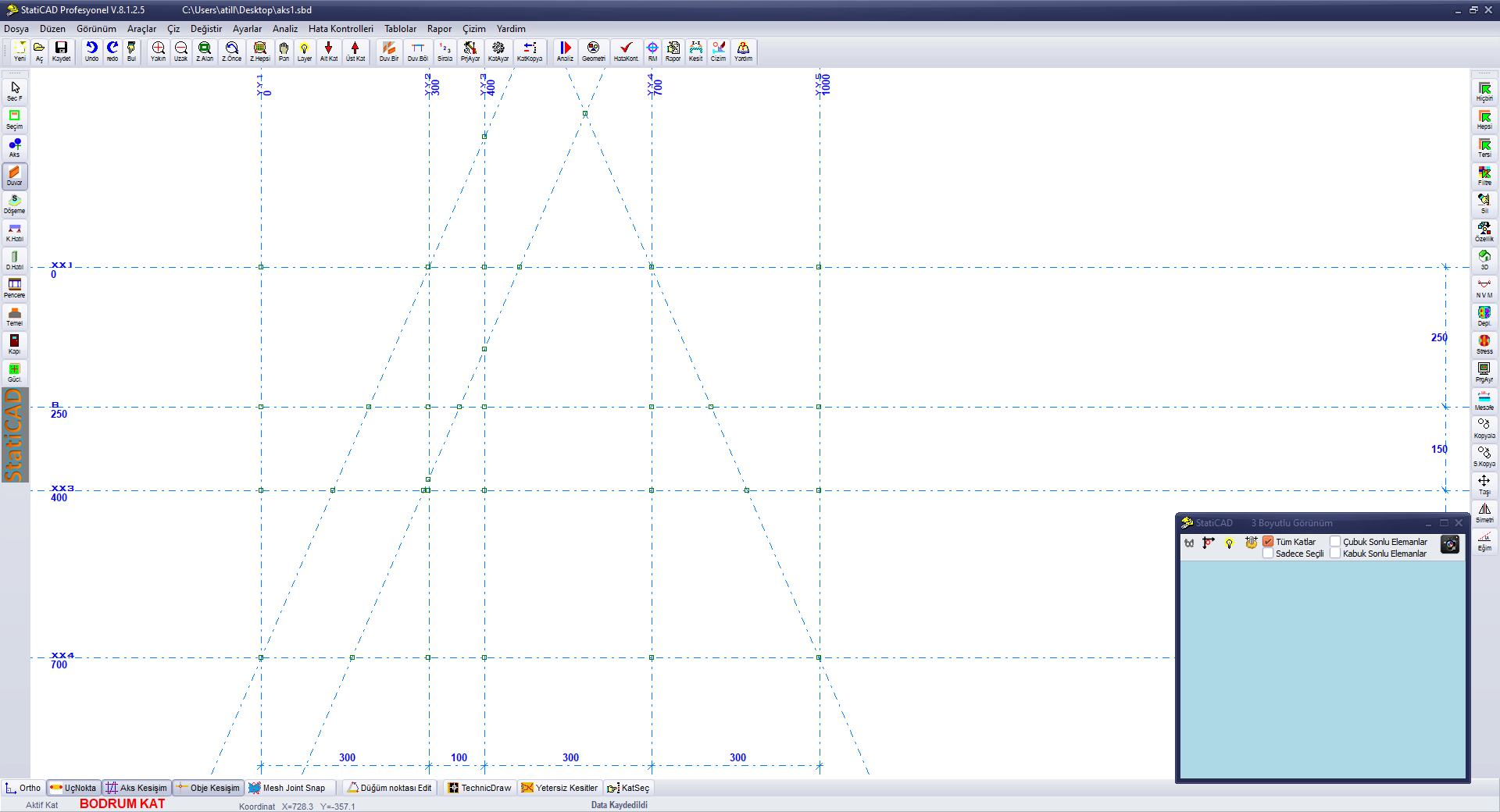
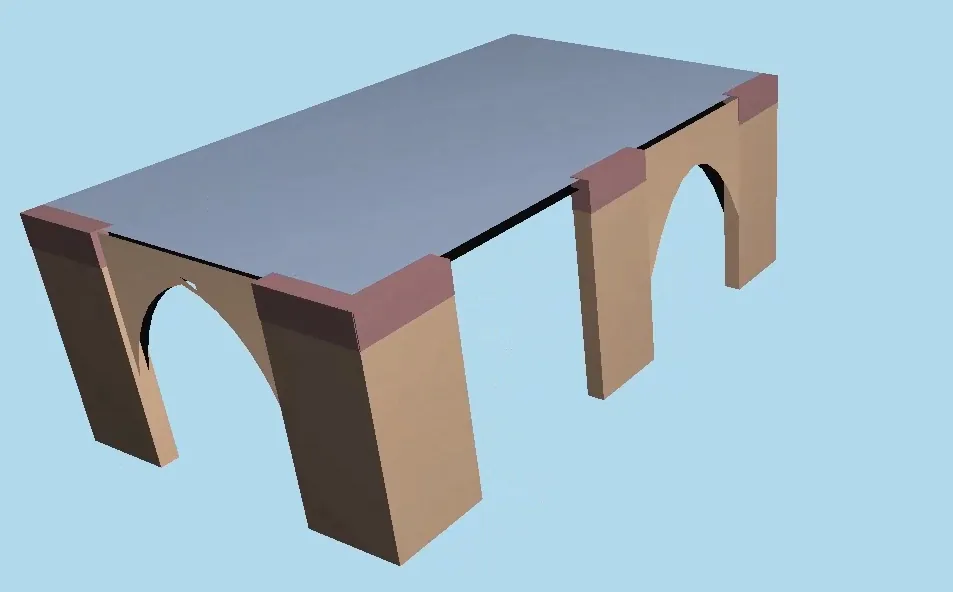
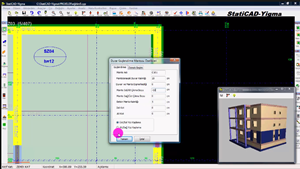
Drawing axis in StatiCAD
YouTube
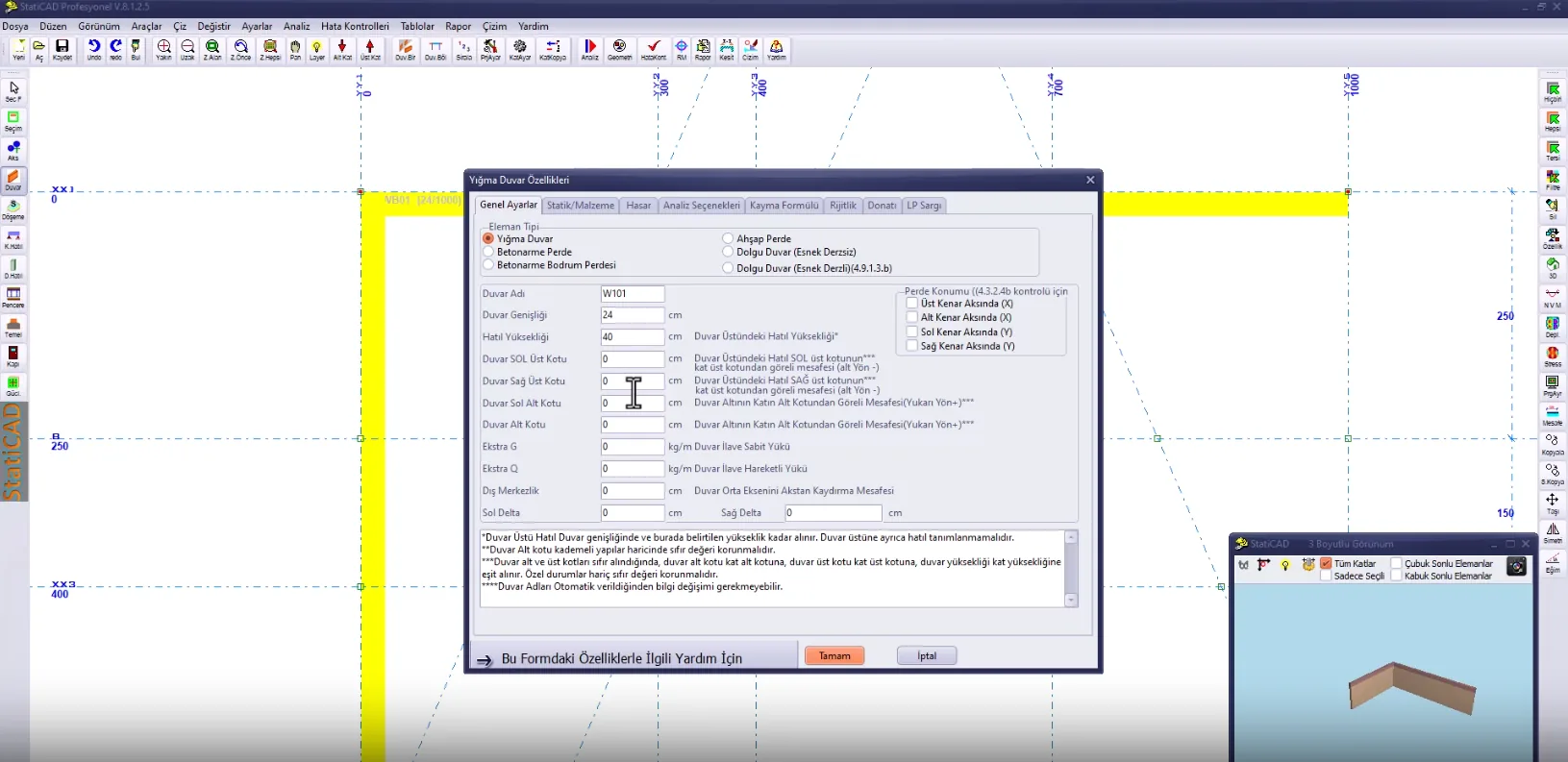
Drawing wall in StatiCAD
YouTube
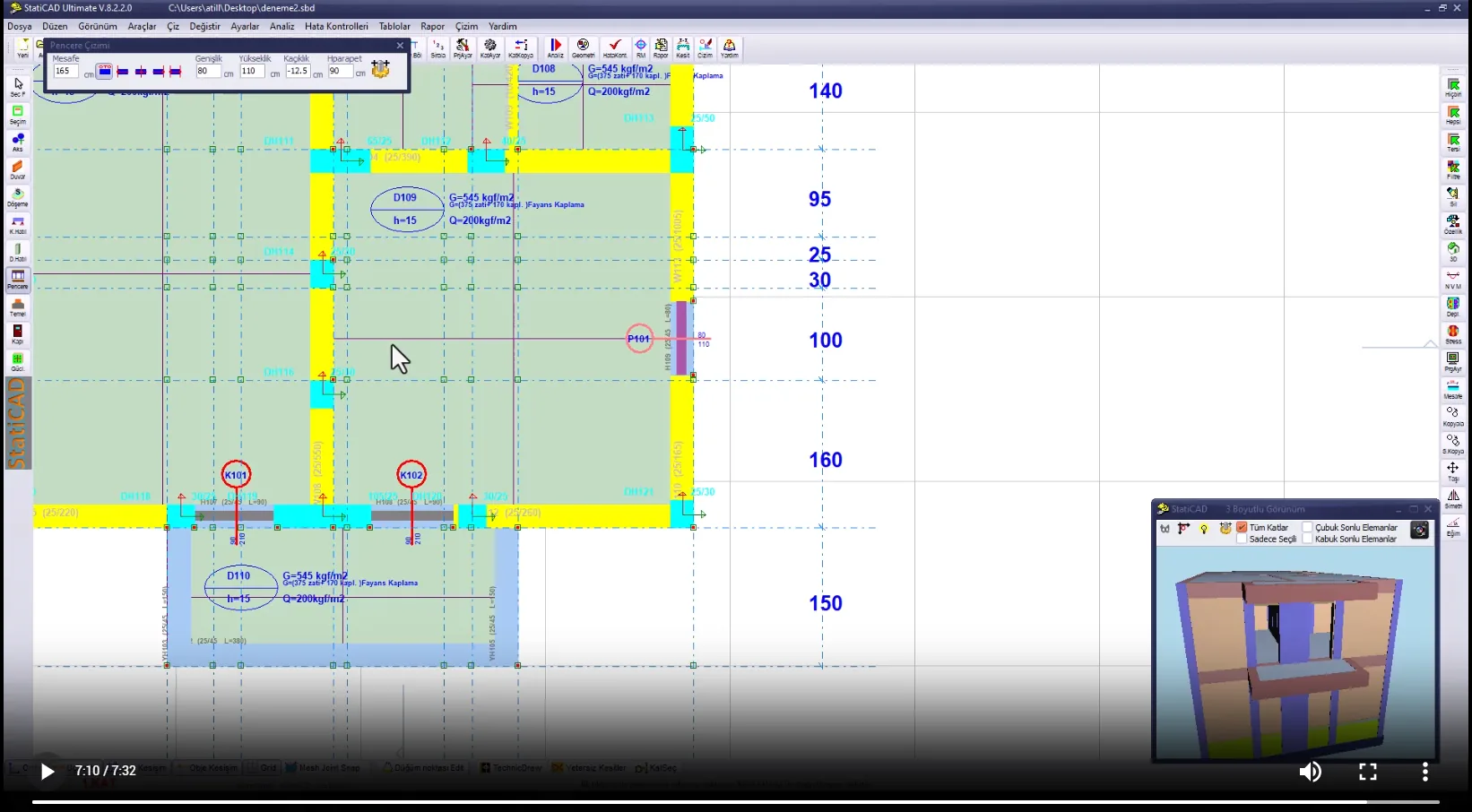
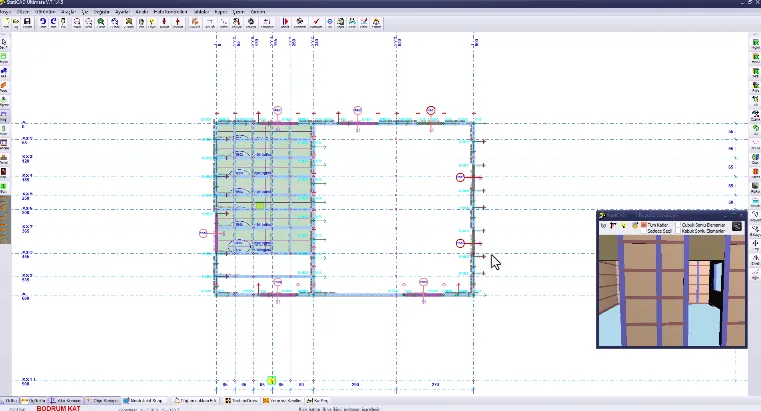
Drawing door and window in StatiCAD
YouTube
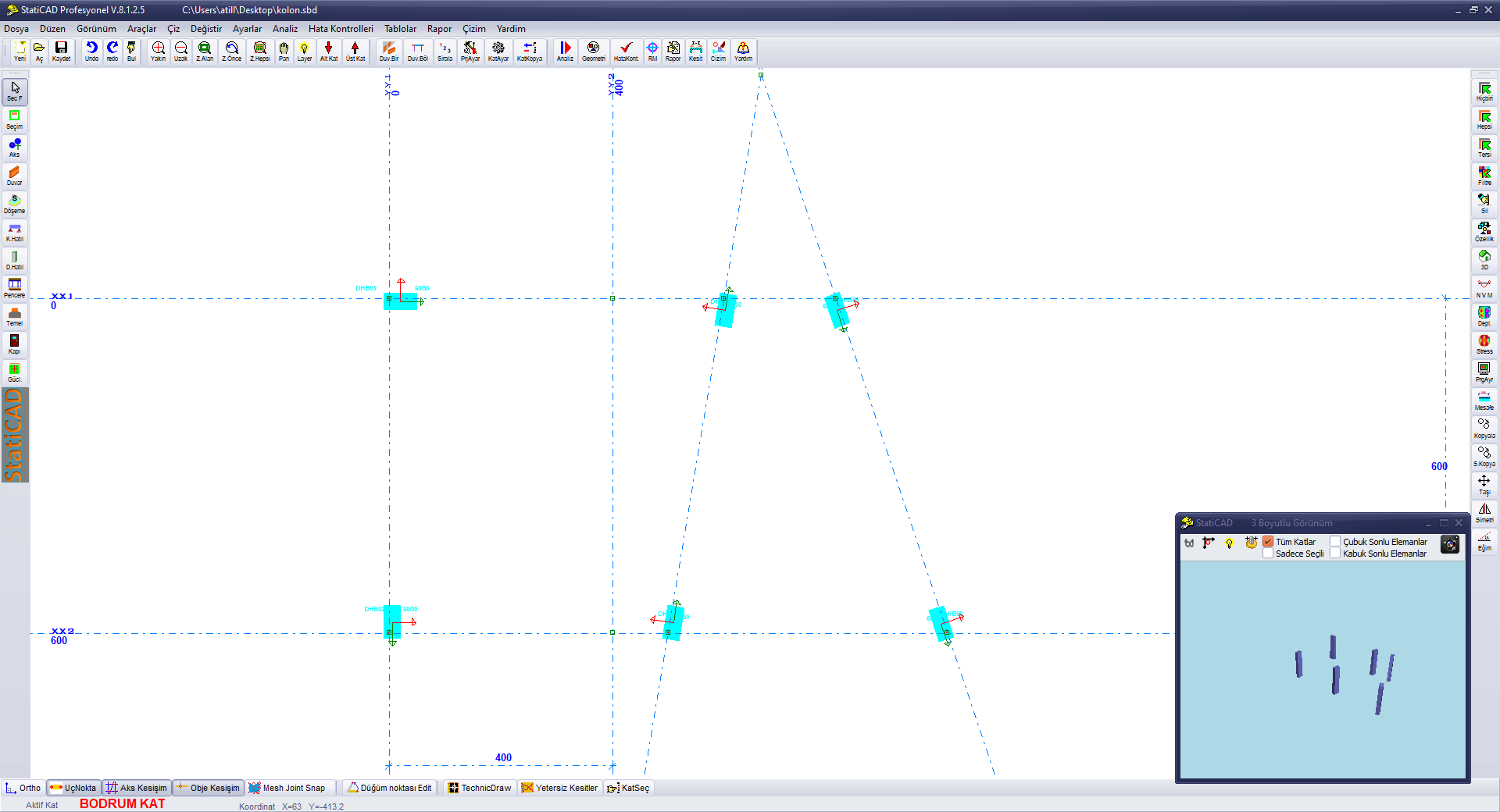
Drawing column in StatiCAD
YouTube
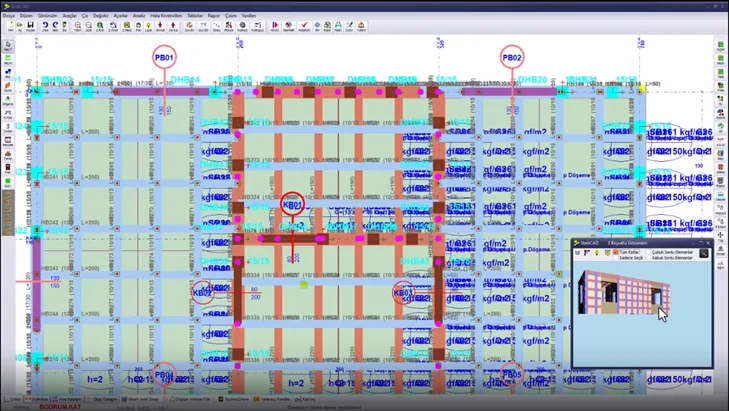
Drawing beam in StatiCAD
YouTube
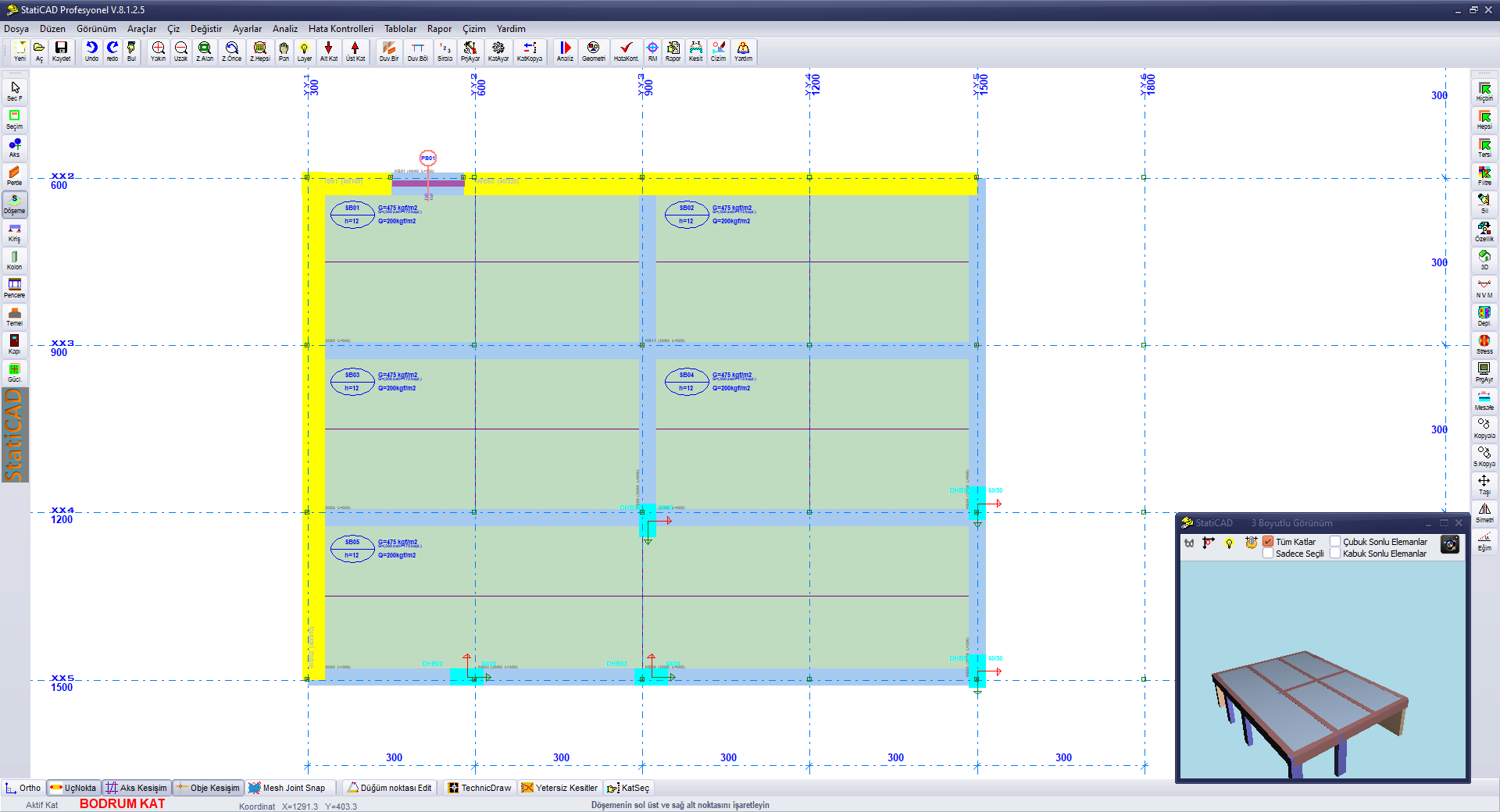
Drawing slab in StatiCAD
YouTube
Drawing foundation in StatiCAD
YouTube
Selecting and editing in StatiCAD
YouTube
StatiCAD toolbars
YouTube
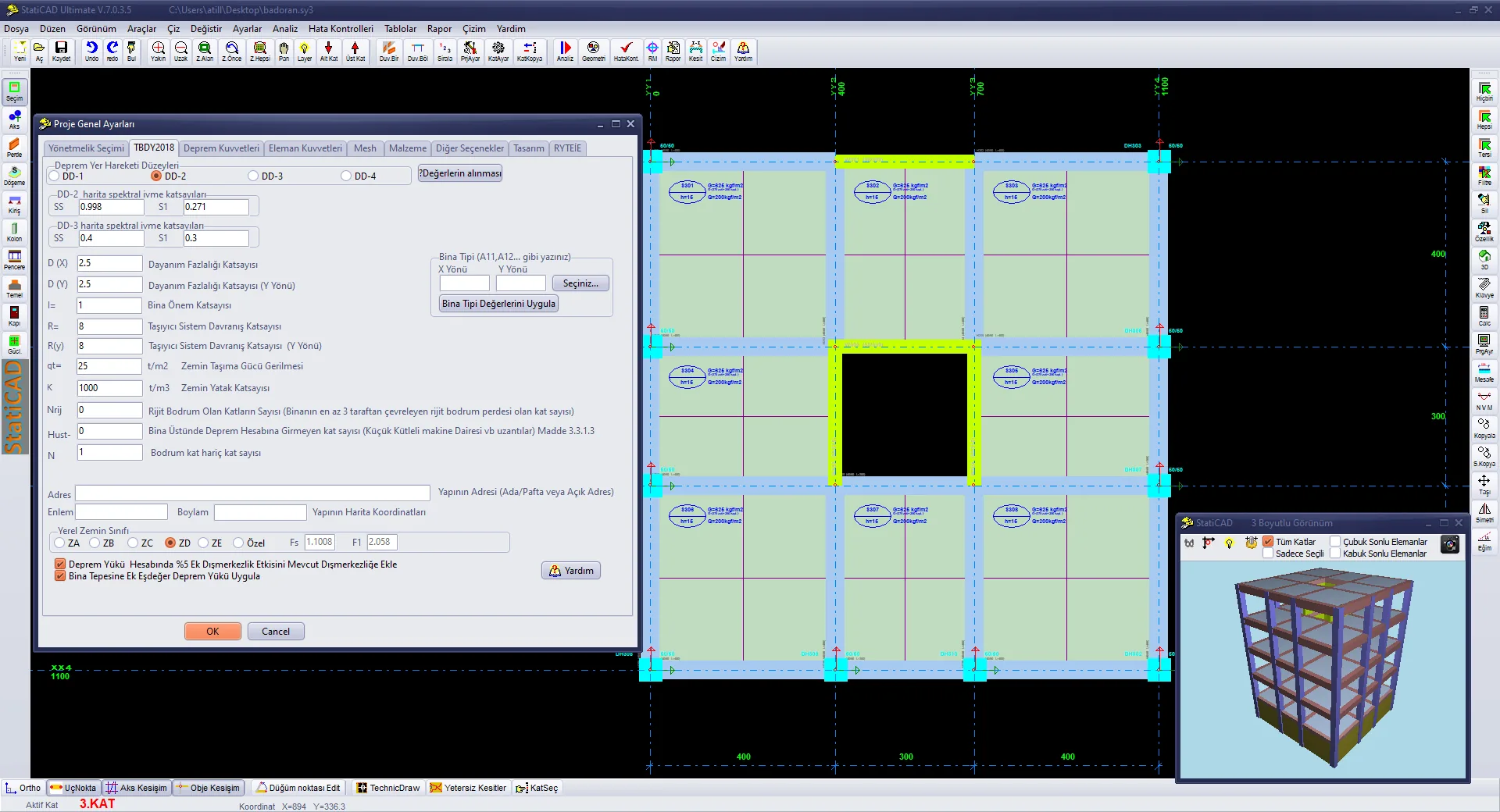
StatiCAD project settings
YouTube
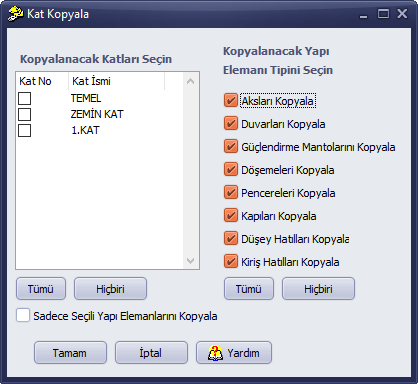
StatiCAD adding and copying storey
YouTube
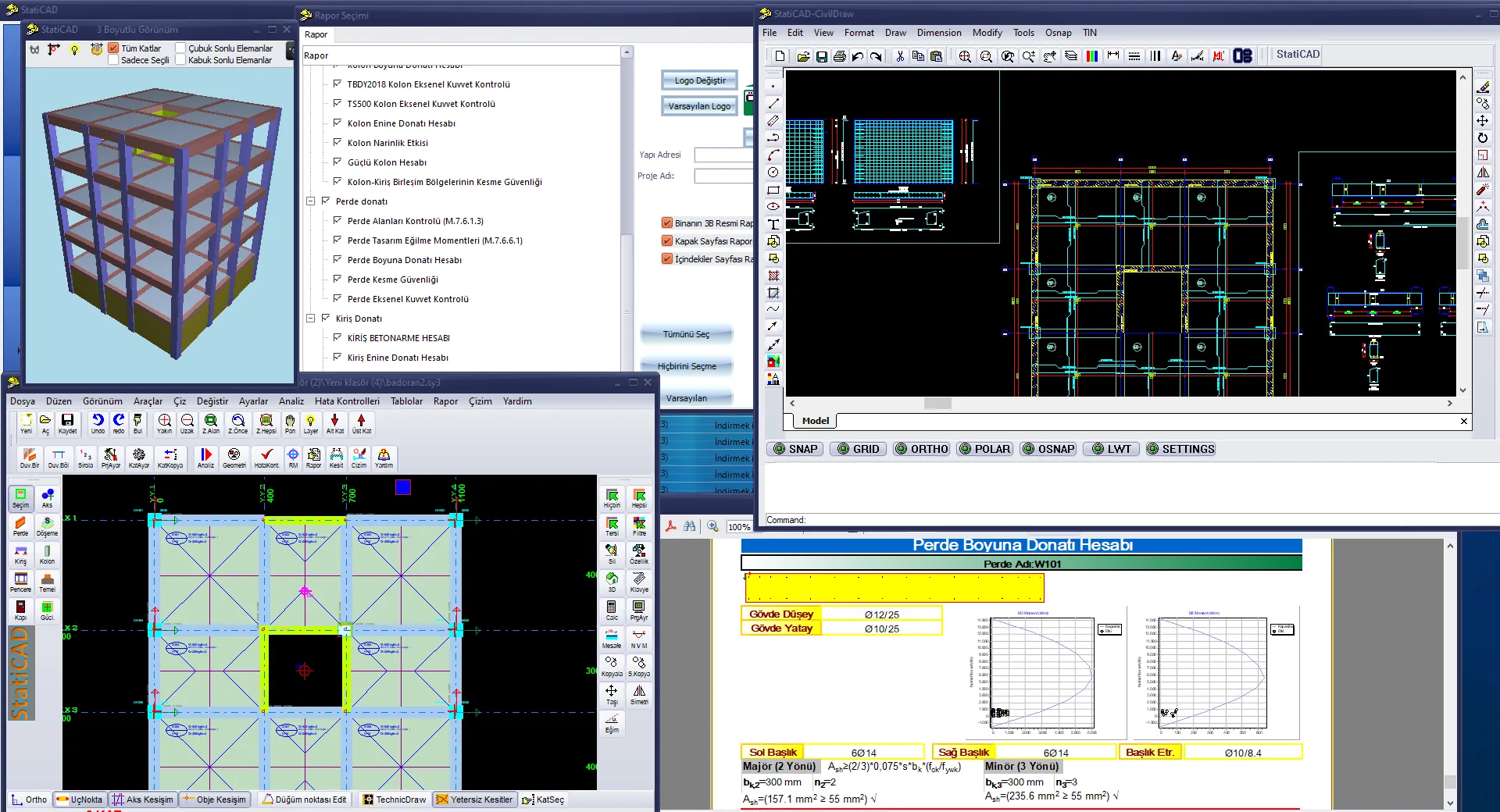
Analysis and reporting at StatiCAD
YouTube
StatiCAD project drawings
YouTube
Strengthening building at StatiCAD
YouTube
Element Modeling 14 videos
Model Editing 9 videos
Inclined Axis and Parallel to Inclined Axis
YouTube
Inclined Wall Door/Window at Ridge Level
YouTube
Applying Slope to a Story in StatiCAD
YouTube
Masonry Building 7 videos
Masonry Retrofitting 1 video
Timber Building 2 videos
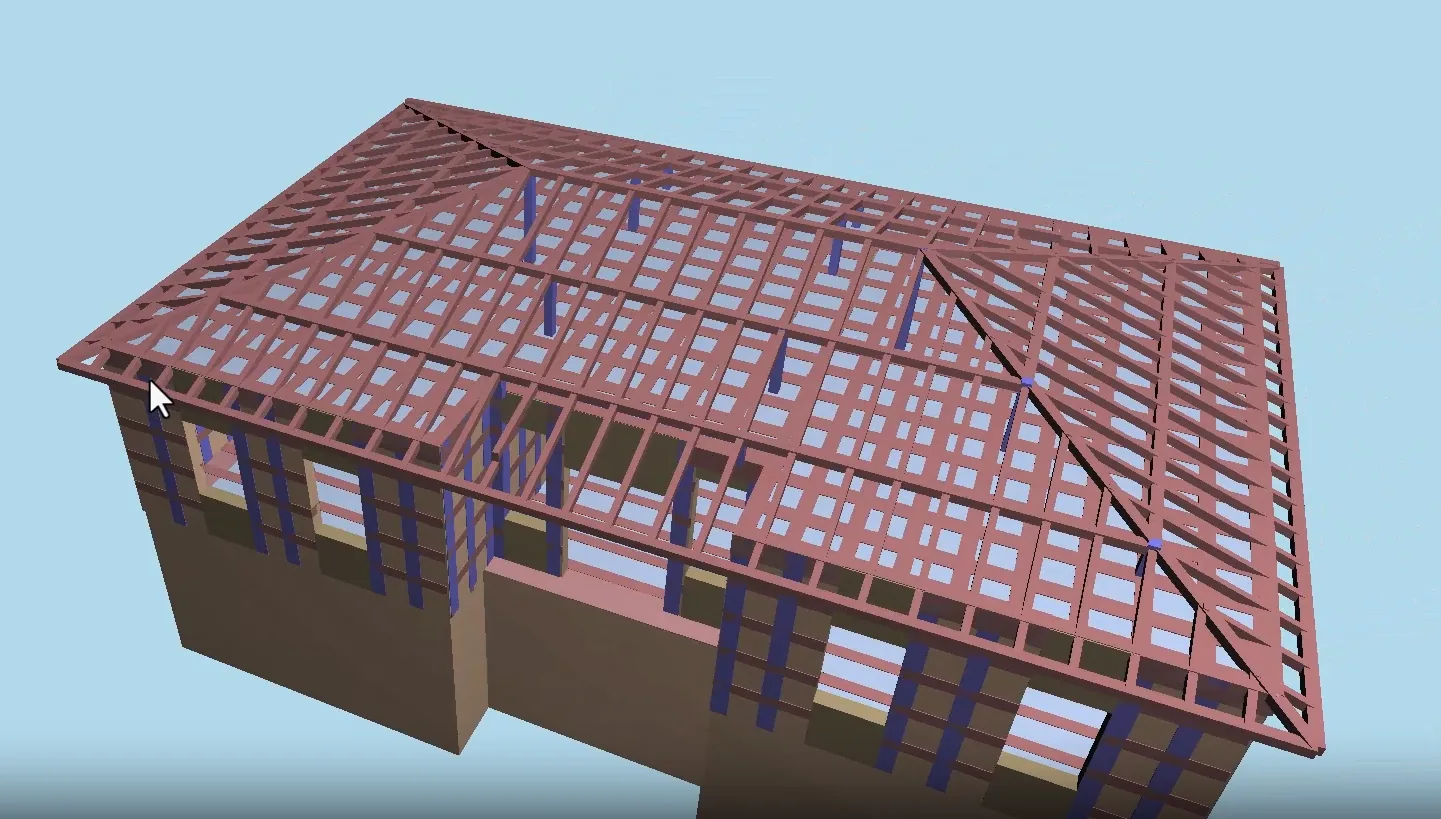
Timber Roof 3 videos
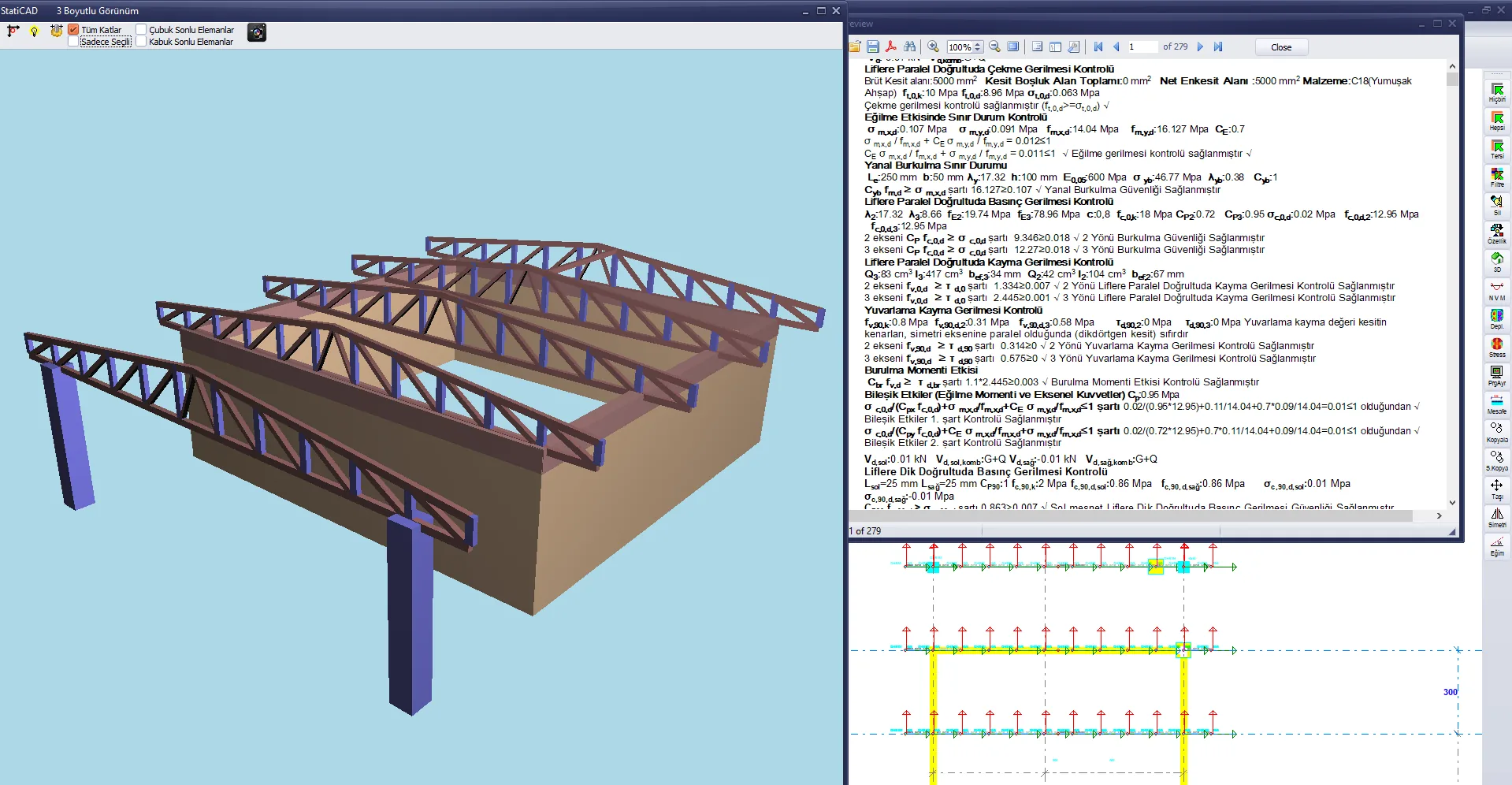
Creating Timber Roof on Trapezoidal Building (V9+)
YouTube
RC Building 2 videos
Bi-directional Data Transfer with SAP2000 2 videos
Risky Building Analysis with SAP2000 Integration
YouTube
SAP2000-Supported Masonry Building Risk Assessment 2019
YouTube

Visit our YouTube channel for all training videos and more.

Our YouTube Channel

Downloads

Download the demo version and other resources here.

Demo Version

Try all StatiCAD features for free.

Download Demo (Windows)
User Manual

Detailed user guide and technical documentation.

Knowledge Base
Sample Projects

Ready-made sample project files and technical documents.

Go to Samples

Latest Updates

Release notes for StatiCAD versions.

StatiCAD Hybrid

Hybrid version release history and update notes.

Release Notes
StatiCAD Ultimate

Ultimate version release history and update notes.

Release Notes
StatiCAD Profesyonel

Profesyonel version release history and update notes.

Release Notes
StatiCAD Standart

Standart version release history and update notes.

Release Notes
StatiCAD Betonarme

Betonarme version release history and update notes.

Release Notes
StatiCAD Yigma Pro

Yigma Pro version release history and update notes.

Release Notes
StatiCAD Yigma Standart

Yigma Standart version release history and update notes.

Release Notes

Support Channels

Live Chat

Get instant support via Tawk.to.
Phone

0246 500 20 95

Call Now
User Panel

License and support management

Go to Panel